general June 28, 2026 1 min read 122 views
Byteon Support Tickets — How to Open Ticket on Byteon.cc
It doesn't matter whether you're a customer or not. You can get personalized support by submitting a ticket through our website.

0x3nn
Author
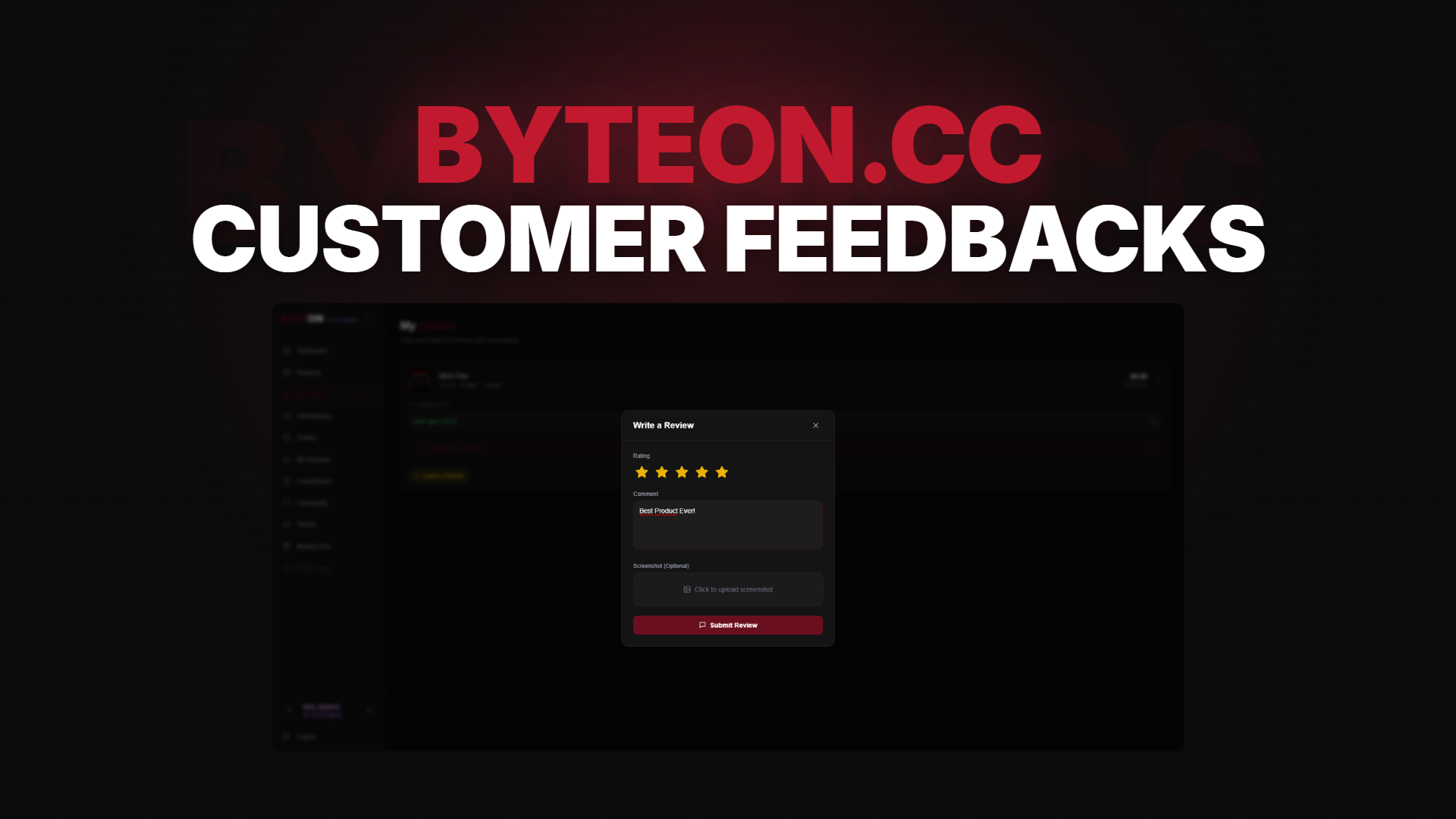
Welcome to the official Byteon feedback guide. This blog post explains how to submit feedback. Your feedback is important to us. Please take a few minutes to leave some feedback.
❔ How can open Support Ticket?
- First of all, you need to register our website.
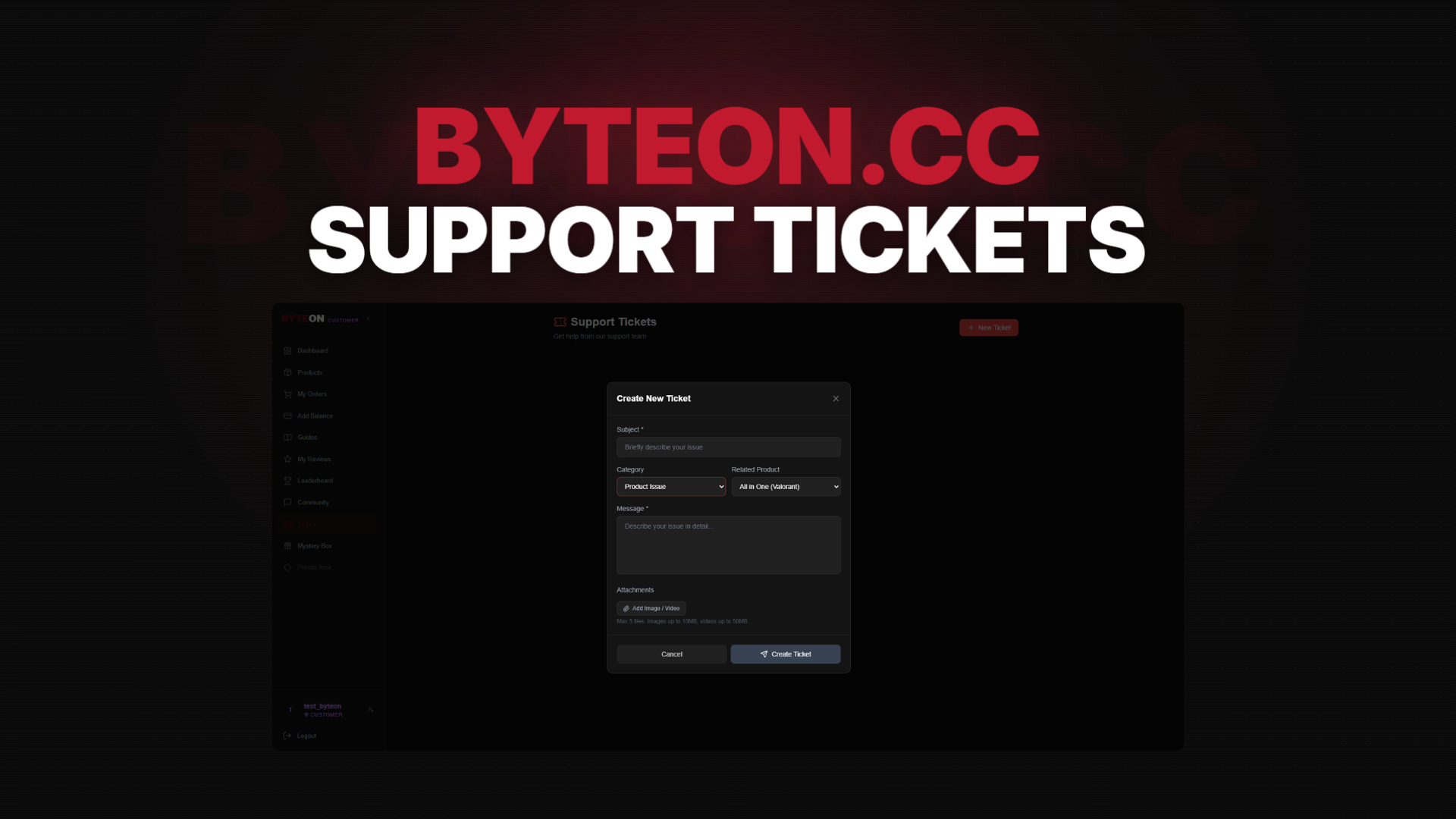
- After that go to your dashboard and click
Ticketsbutton. - When you click the
New Ticketbutton, a pop-up window will open. In this window, fill in the blanks. - When you click the
Create Ticketbutton, your ticket will be sent to an administrator and admins can contact you shortly.
⚠️ Ticket Rules: Please do not create tickets for trivial matters. Open a ticket only for necessary issues, explain your problem in detail, and include images if necessary.
💬 Need Help?
If you're stuck, we're here 24/7:
- 🎫 Open a ticket: Byteon Support
- 💬 Join our Discord community
- 💬 Join our Telegram community
- 👾 See How it Works Byteon.cc
- 📖 Check our Terms of Service
Our average response time is under 15 minutes during peak hours.
Ready to get started? Grab Byteon Products now →
Byteon — Gaming Enhanced, Responsibly.