general June 28, 2026 1 min read 104 views
Byteon Customer Feedbacks — How to Send Feedback on Byteon.cc
Customers can leave positive or negative reviews for the products they purchase through Byteon.cc. This blog post explains how to submit feedback. Your feedback is important to us. Please take a few minutes to leave some feedback.

0x3nn
Author
Welcome to the official Byteon feedback guide. This blog post explains how to submit feedback. Your feedback is important to us. Please take a few minutes to leave some feedback.
❔ How can i send Feedback?
- After purchase, you will see your purchase on My Orders page.
- Click on the purchase for which you want to submit feedback.
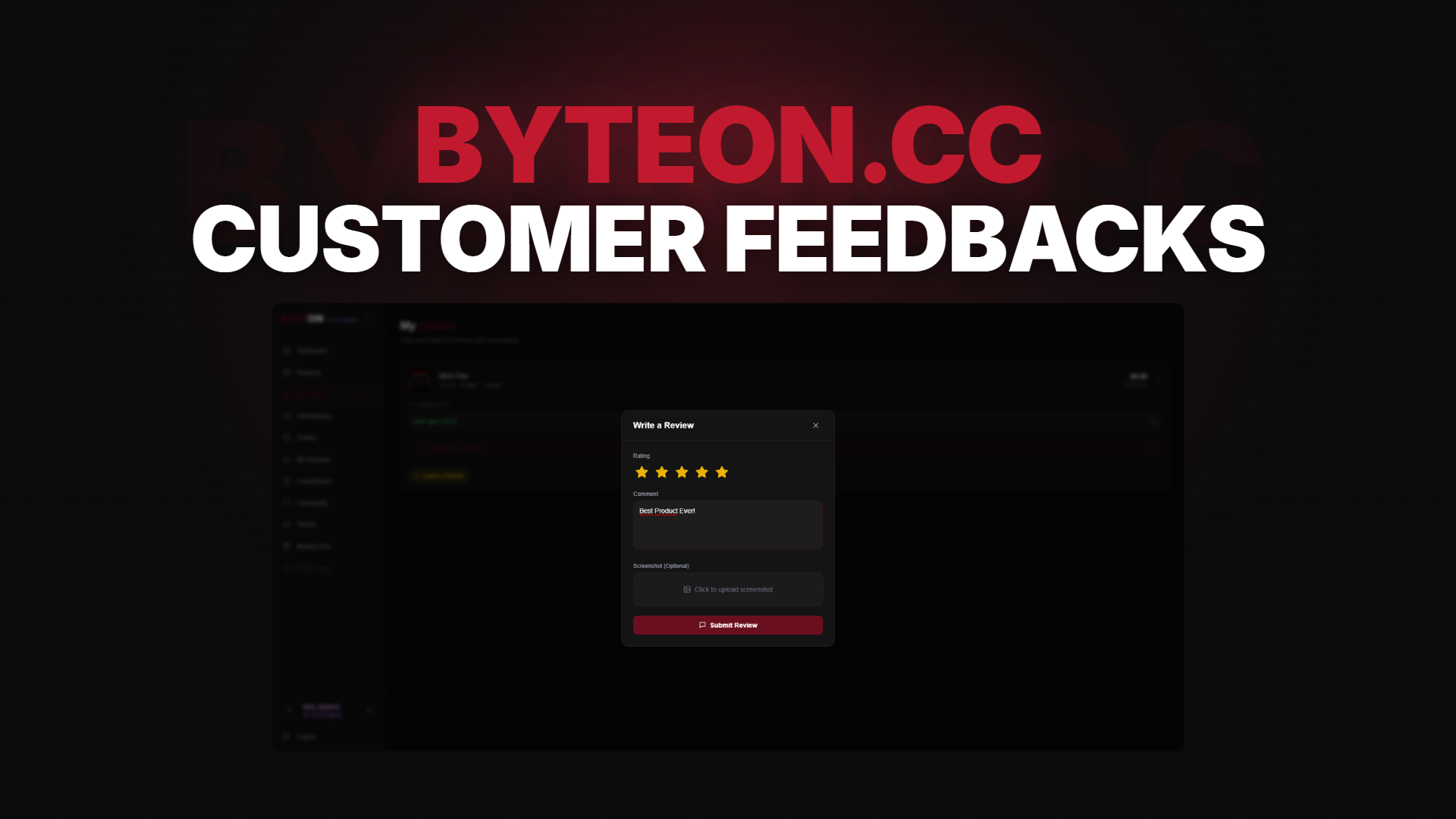
- When you click the
Leave a Reviewbutton, a pop-up window will open. In this window, fill in the blanks. - When you click the
Submit Reviewbutton, your feedback will be sent to an administrator for approval and will be approved shortly.
⚠️ Did you find it difficult to submit it to the website?: You can also post it in the Reviews channel by joining our Discord server.
💬 Need Help?
If you're stuck, we're here 24/7:
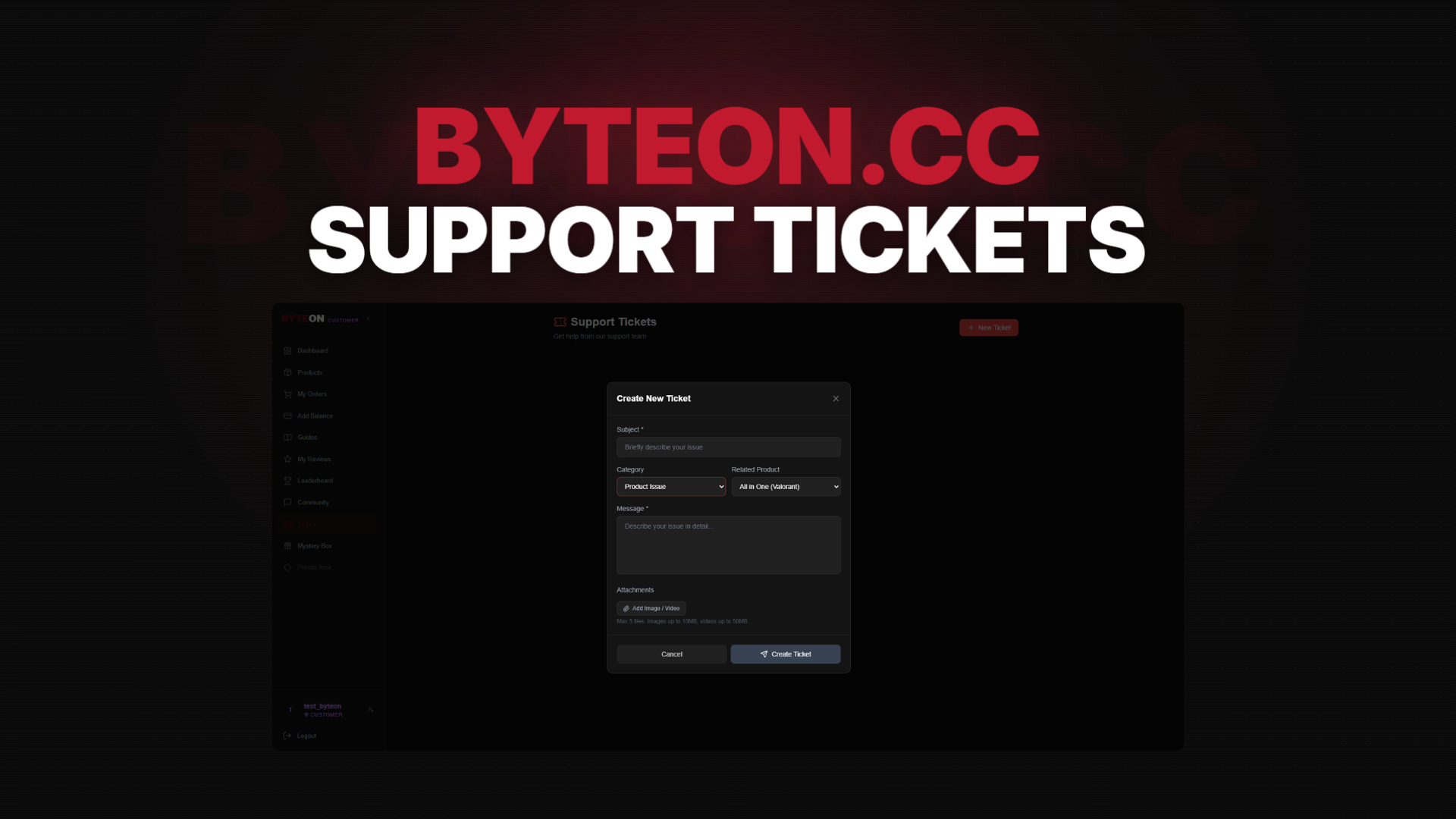
- 🎫 Open a ticket: Byteon Support
- 💬 Join our Discord community
- 💬 Join our Telegram community
- 👾 See How it Works Byteon.cc
- 📖 Check our Terms of Service
Our average response time is under 15 minutes during peak hours.
Ready to get started? Grab Byteon Products now →
Byteon — Gaming Enhanced, Responsibly.