Byteon All in One Setup Guide — How to Install & Use on Valorant (2026)
Step-by-step installation and usage guide for All in One. Learn how to set up spoofer, launch the loader, configure settings, and stay undetected on Valorant.

0x3nn
Author
All in One Setup Guide
Last updated: 06.20.2026 · Status: 🟢 Undetected · Game: Valorant
Welcome to the official All in One installation and usage guide. This page walks you through everything from purchase to your first match so you can get up and running in under 5 minutes. Bookmark this link; we update it with every version release.
📦 What You Get
After purchase, your Byteon dashboard will unlock:
- Secure loader — authenticated download link tied to your account
- Auto-updates — no need to re-download on every patch
- Private support channel on Website
- Config presets — legit, rage, and competitive profiles
✅ System Requirements
Before you start, make sure your setup meets the requirements:
- OS: Windows 10 / 11 (64-bit) — fully updated
- CPU: Intel or AMD
- HVCI: Must be Enabled (For Cheat)
- TPM & SecureBoot: For Spoofer Must be Disabled
- Antivirus: Windows Defender — must be disabled before launch
⚠️ Important: Running on a VM, cracked Windows, or systems with active developer mode is not supported and may result in detection.
🛒 Step 1 — Purchase & Access
- Head over to the All in One product page.
- Choose your subscription duration (1 day / 7 days / 30 days / Lifetime — whichever you need).
- Complete checkout via your preferred payment method (crypto, card, binance gift card or reseller).
- After payment confirmation, log in to your Byteon dashboard.
- Open My Orders → you'll see your active key and Download Loader button.
🛡️ Step 2 — Prepare Your PC
Before launching the loader, you must prepare Windows properly. Skipping this step is the #1 cause of crashes and false bans.
2.1 — Disable Windows Defender Real-Time Protection
- Press
Win + I→ Privacy & Security → Windows Security. - Click Virus & threat protection → Manage settings.
- Turn Real-time protection OFF.
2.2 — Disable Third-Party Antivirus
If you run Kaspersky, Avast, AVG, Bitdefender, or similar — uninstall them completely (don't just disable). Leftover drivers will block injection.
🚀 Step 3 — Launch the Loader
- Extract the loader
.zipto your excluded folder (e.g.,C:\Byteon\). - Right-click the loader → Run as Administrator.
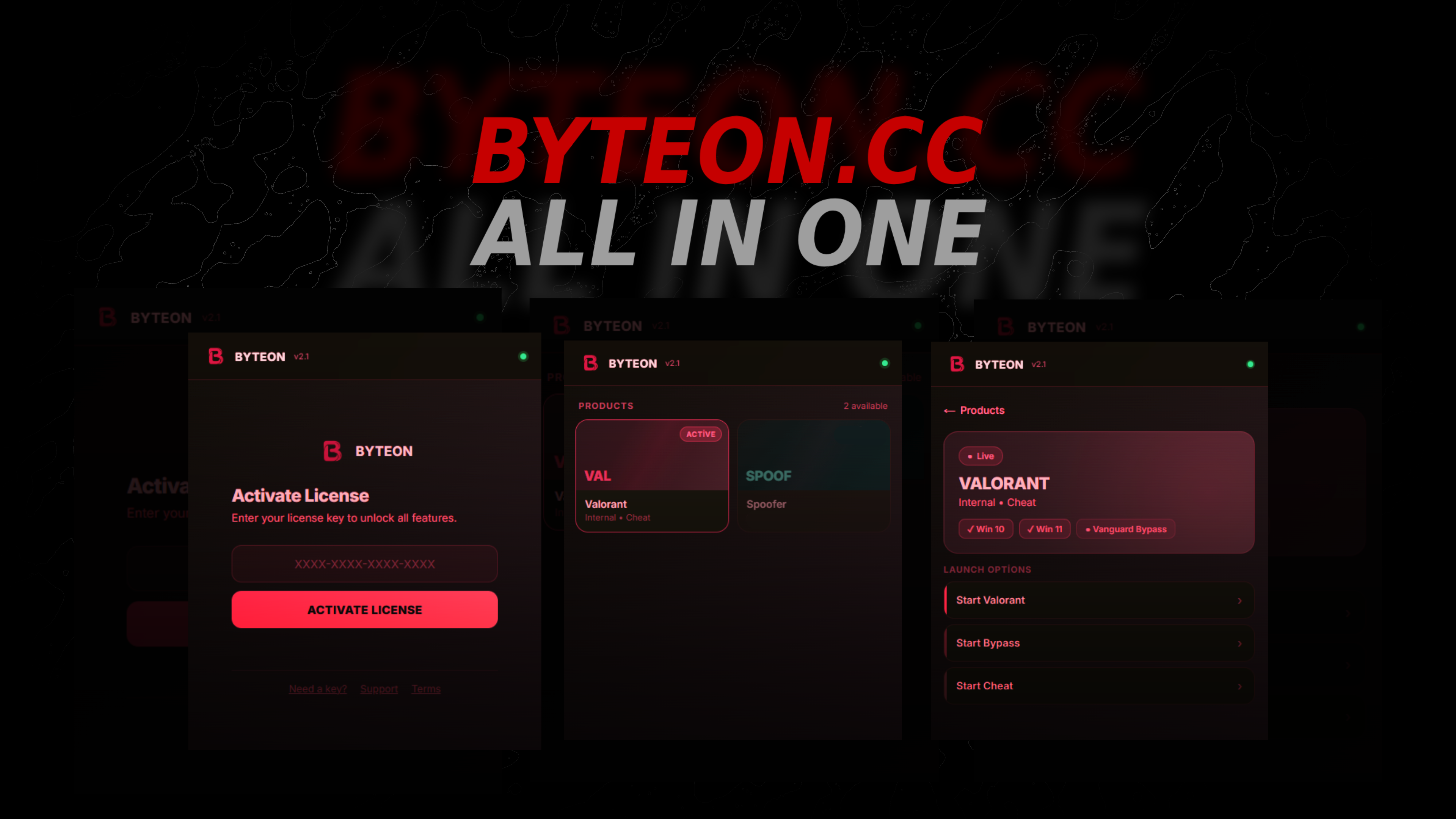
- Copy your Byteon Key and paste on loader.
- First, click the “START VALORANT” button. When you hear the BEEP sound, turn on Valorant.
- While in the lobby, activate the cheat by clicking the “START CHEAT” button. Once the cheat is activated, start a match. Do not enter the training area.
- When you find a match, activate the bypass by clicking the “START BYPASS” button on the agent screen and play normally. Enjoy the game!
⚠️ Important: After each match, start over from Step 4.
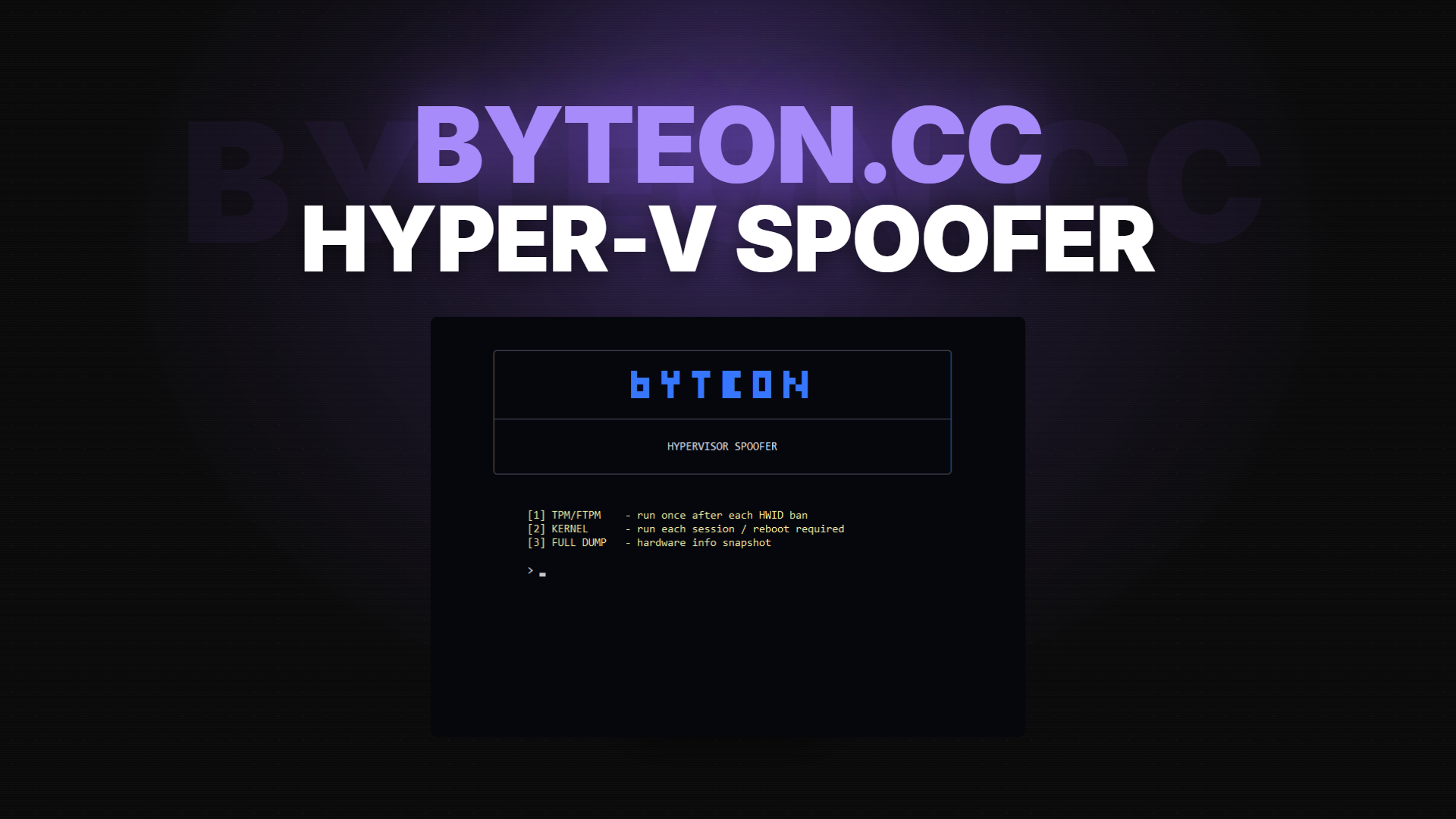
⚠️ Spoofer Usage: To use Spoofer, you first need a clean Windows installation. After formatting and updating the BIOS, disable TPM and SecureBoot, then use Spoof in the loader. It works flawlessly on all systems except laptops.
🎮 Step 4 — In-Game Menu & Controls
Default hotkeys (can be rebound in the menu):
INSERT— Open / close the cheat menu
Rage presets are aggressive and increase report risk. For long-term use, stick to legit settings.
🔄 Updates & Downtimes
Anti-cheat updates (Vanguard, EAC, BattlEye) happen every 1–4 weeks. During these windows:
- The loader may show "Updating — please wait"
- Average downtime: 2–24 hours
- Follow real-time status in our Website.
- Never try to inject manually during updates — it will trigger detection flags.
💬 Need Help?
If you're stuck, we're here 24/7:
- 🎫 Open a ticket: Byteon Support
- 💬 Join our Discord community
- 💬 Join our Telegram community
- 👾 See How it Works Byteon.cc
- 📖 Check our Terms of Service
Our average response time is under 15 minutes during peak hours.
Ready to get started? Grab Byteon All in One →
Byteon — Gaming Enhanced, Responsibly.